

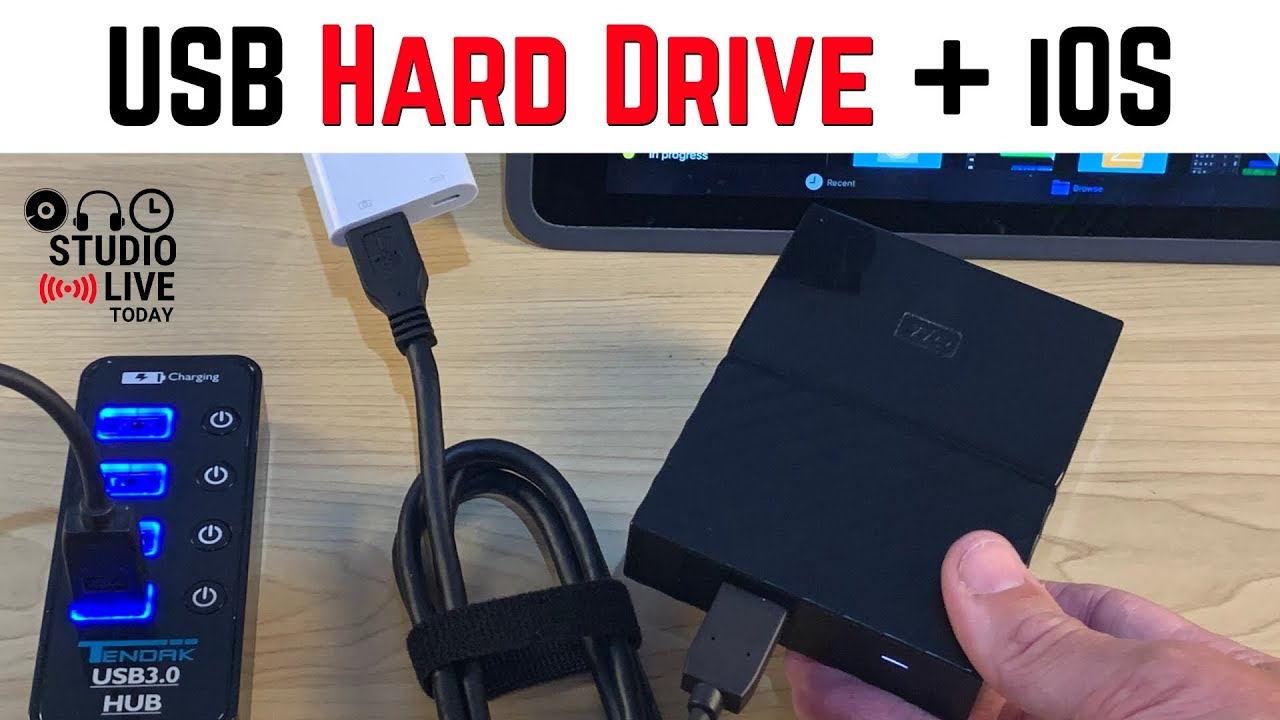
 How do you connect a USB hard drive to an iPhone or iPad in iOS 13 or iPadOS 13?
 In this video I show you how to use a Lightning to USB adapter to connect a USB hard drive or any USB flash drive and instantly increase the storage capability of your iOS device.
Note: HFS and APFS file systems are supported for MAC users as long as they are not encrypted.
Check out the Lightning to USB 3 adapter here:
US:
CA:
UK:
DE:
IT:
ES:
Check out the Tendak powered USB hub here:
US -
CA -
AU -
UK - (Aukru branded)
My recommended portable USB hard drives:
WD My Passport 4TB
US -
CA -
UK -
AU -
Toshoba Canvio Basics 4TB
US -
CA -
UK -
AU - (Advance model)
Note - Links provided in this video description are affiliate links, meaning that if you choose to purchase products using these links, a small commission may be paid to me for referring you.
== Related Videos ==
Why use a genuine Apple Lightning to USB adapter? -
How to connect USB devices to your iPhone/iPad -
How to use USB drives with an iPad -
USB flash drives with an iPhone or iPad -
== Pete Recommends ==
Full list of the audio and video gear I use is at:
Note - Links provided in this video description are affiliate links, meaning that if you choose to purchase products using these links, a small commission may be paid to me for referring you.
Releasing Music - DistroKid - (7% off first year)
== Web & Social ==
Patreon -
Web -
Facebook -
Instagram -
Twitter -
Soundcloud -
Email -


0 Comments