

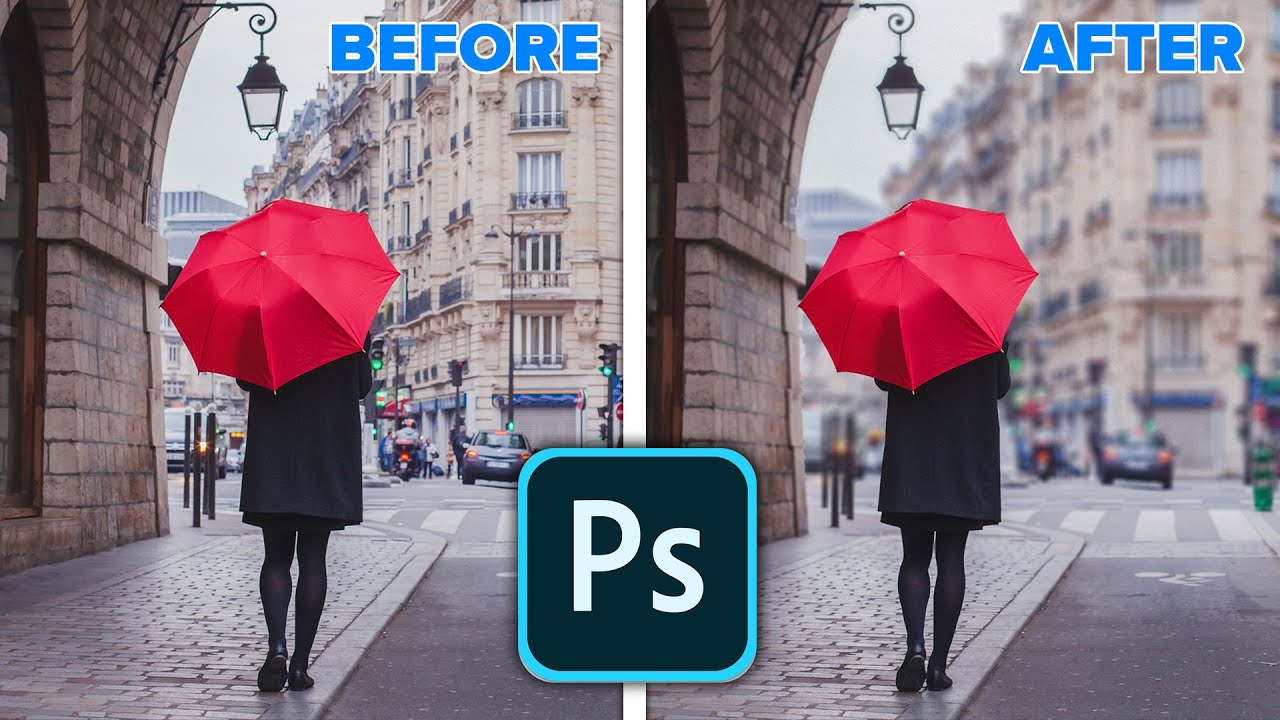
 NEW FEATURES OF PHOTOSHOP 2020.
 Create a realistic background blur on a photo in photoshop and change the focus as easily as focusing a camera. Learn how to create a depth map to add a realistic bokeh blur in a Photoshop. Learn how you can take your HEIC or HEIC photos from and iPhone or Google Pixel with portrait mode into photoshop and change the focus. Works on all other photos too. Learn how.
Colin Smith walks you through the new features in Photoshop 2020, check out the playlist for more new feature tutorials on the new update of Adobe Photoshop.
Part of the Photoshop 2020 New features learning series from PhotoshopCAFE.
► THE GEAR I USE:
► THE MUSIC I USE:
► SUBSCRIBE FOR MORE VIDS:
► PREMIUM COURSES:
► INSTAGRAM:
► WEB:
► FACEBOOK:
► TWITTER:
#Photoshop2020 #howto #newFeatures


0 Comments